📚 Company Knowledge
Centralize policies, HR docs, and manuals for employees to query in natural language.
⚖️ Legal Document Search
Retrieve clauses, dates, and rules from contracts and compliance files instantly.
🏥 Healthcare Records
Index medical reports and prescriptions for secure semantic search in digital health systems.
📊 Research & Reports
Store and retrieve insights from research papers, presentations, and business reports.
### Supported Formats
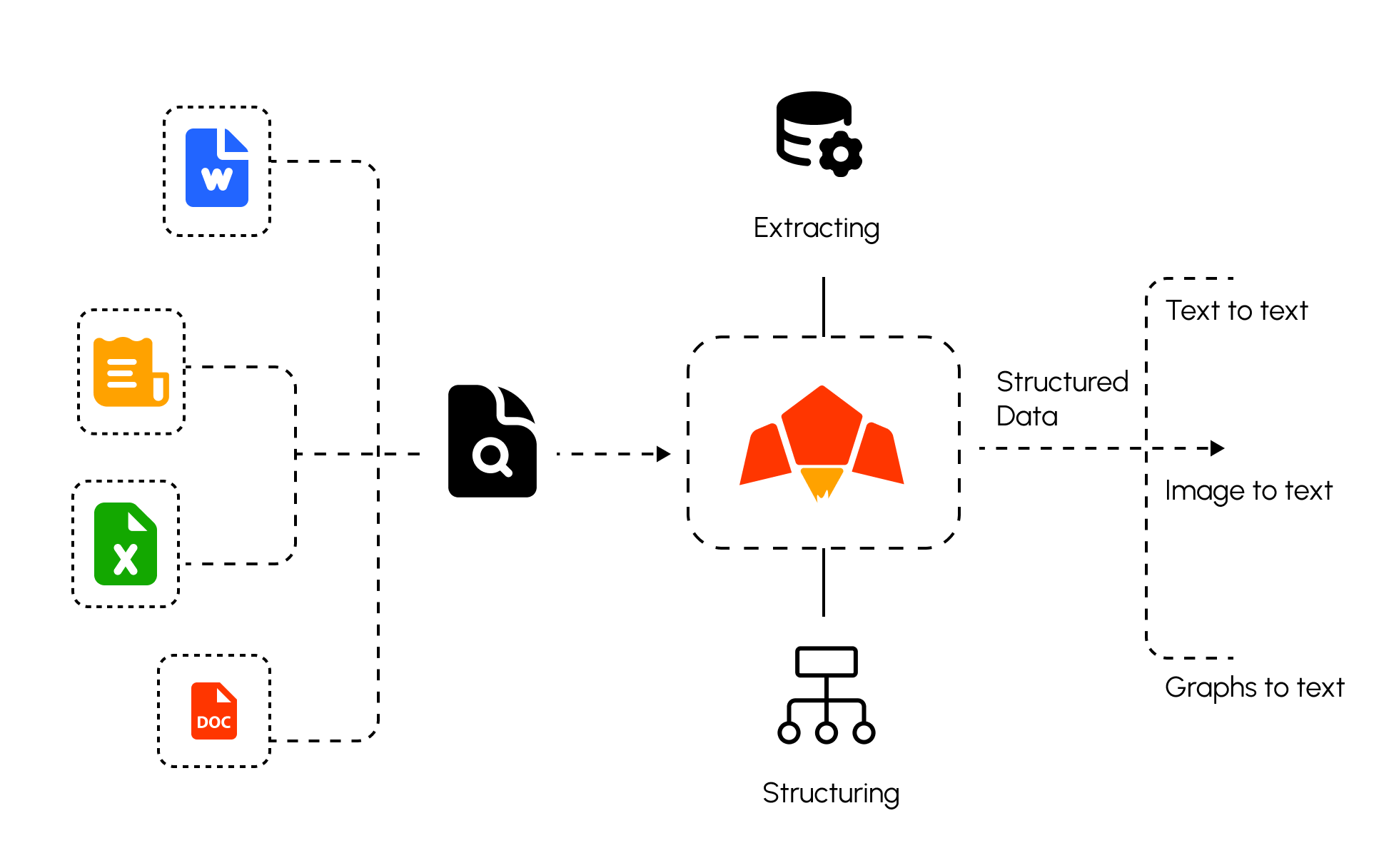
Pawa AI can help build a knowledge base with a wide range of formats, including:
* **PDFs**
* **DOCX**
* **Excel (XLSX)**
* **PowerPoint (PPTX)**
* **Images (PNG)**
* **Audio files**
* **Web links / HTML**
***
## Pawa AI Knowledge Base Workflow
1. **Create a knowledge base container, with reference files**
2. **Query with natural language using semantic retrieval** to retrieve top-K passages
3. **Feed semantic results into chat** for grounded RAG answers.
4. **Out of the box RAG request**, just pass the `knowledge_base_id` as parameter.
***
### Create a Knowledge Base, With multiple files.
```bash theme={null}
curl --request POST \
--url https://api.pawa-ai.com/v1/store/knowledge-base \
--header "Authorization: Bearer $PAWA_AI_API_KEY" \
--header 'Content-Type: multipart/form-data' \
--form 'name=Pawa Knowledge Base' \
--form 'description=This is a sample knowledge base for Pawa.' \
--form knowledgeBase=@example-file
```
### The Example Response
```json theme={null}
{
"success": true,
"message": "Knowledge base created successfully",
"data": {
"id": 21,
"name": "WCF Knowledge Base",
"kbReferenceId": "kb-5d76835d-fe3e-4793-b0d6-f2e1a668eb5d",
"description": "This is a knowledge base for WCF, it contains information about various concerns about Workers Compesation Fund., it is used to answer questions about WCF",
"status": "ACTIVE",
"createdAt": "2025-08-04T16:35:37.522Z",
"updatedAt": "2025-08-04T16:35:37.522Z"
}
}
```
After creating the knowledge base, now you can anything with it, such as performing semantic retrieval, or sending your out-of-the-box RAG chat request.
### Semantic retrieval on Knowledge Base
```bash theme={null}
curl --request POST \
--url https://api.pawa-ai.com/v1/store/knowledge-base/semantic-retrieval \
--header "Authorization: Bearer $PAWA_AI_API_KEY" \
--header 'Content-Type: application/json' \
--data '{
"knowledge_base_id": "21",
"question_asked_by_user": "When WCF got started?"
}'
```
### Grounded answers (RAG) on Knowledge Base
```bash theme={null}
curl --request POST \
--url https://api.pawa-ai.com/v1/chat/request \
--header "Authorization: Bearer $PAWA_AI_API_KEY" \
--header 'Content-Type: application/json' \
--data '{
"model": "pawa-v1-blaze-20250318",
"messages": [
{
"role": "user",
"content": [
{
"type": "text",
"text": "What was the last years sales of the company?"
}
]
}]
"knowledgeBase": {
"kbReferenceId": "kb-930d251e-8a8b-4ba9-bae1-5fceb47bd654",
"isMust": "True"
}}'
```
### Troubleshooting
* Low relevance: rephrase query; ensure documents are properly parsed
* Missing files: confirm `knowledge_base_id` and upload success
* Slow retrieval: reduce `top_k` or filter by metadata
 ## Use Cases of Knowledge Base